AutoNaming
note
This is a Premium Feature

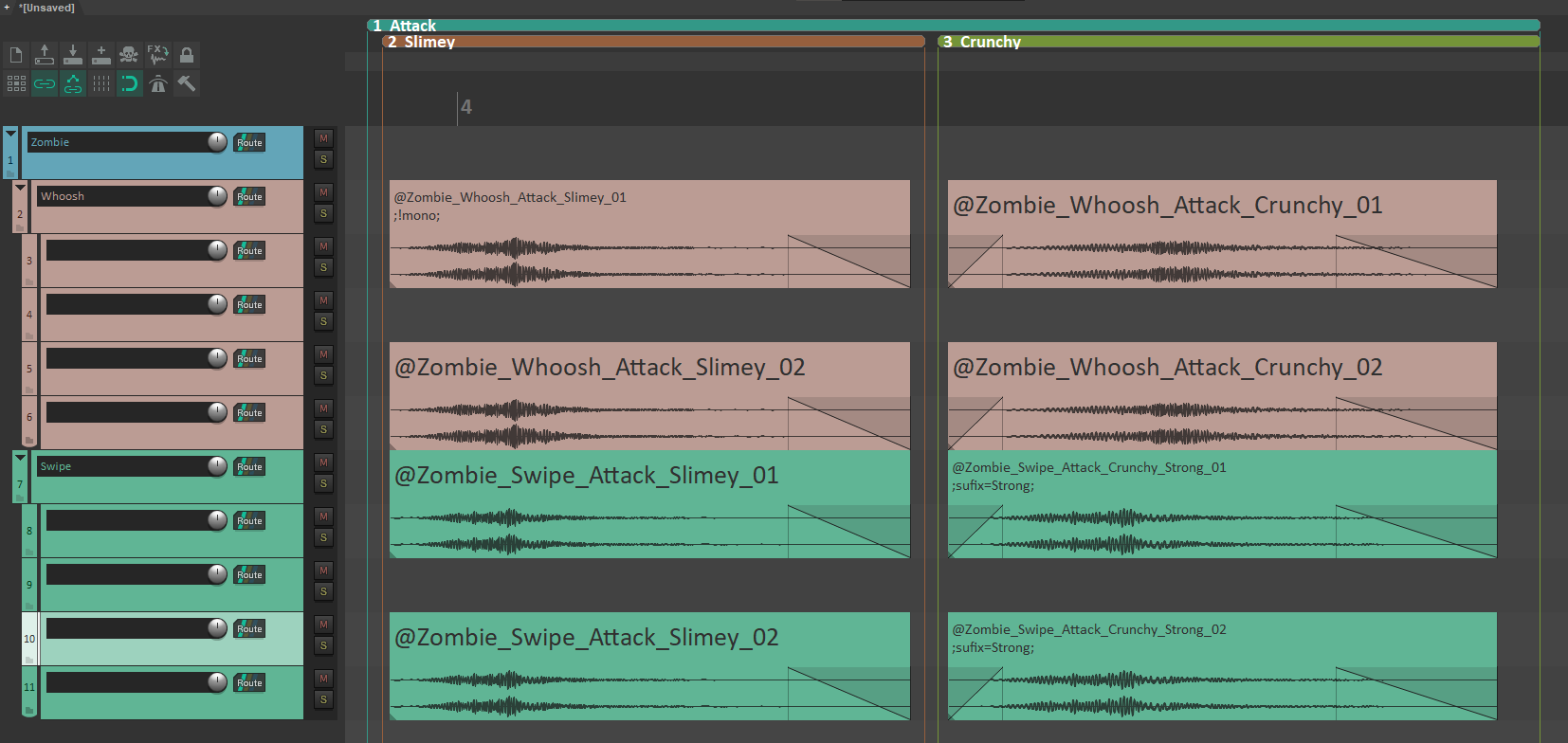
Use project hierarchy to automatically name all selected Render Blocks with predefined formula.
Use a combination of:
- Track names and their hierarchy
- Region names and their hierarchy
- Sufix metatags inside RenderBlocks
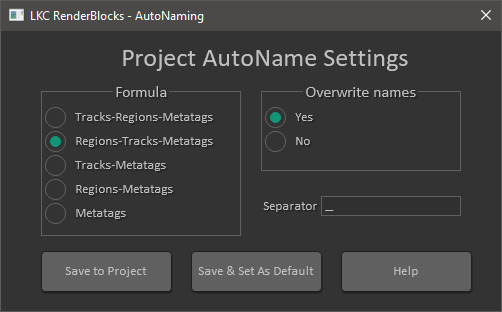
- Use // prefix in names to ignore specific regions and tracks when creating names
- Use suffix= as a metatag prefix to add a custom suffix to the filename. Note that it comes before the index of the file
- If you remove the Separator character to be none, the resulting names will be CamelCased
Slash support
You can put a backslash \ or slash / characters as part of track, region, and suffix metatag names. These slashes will be part of the final block name when you use AutoNaming.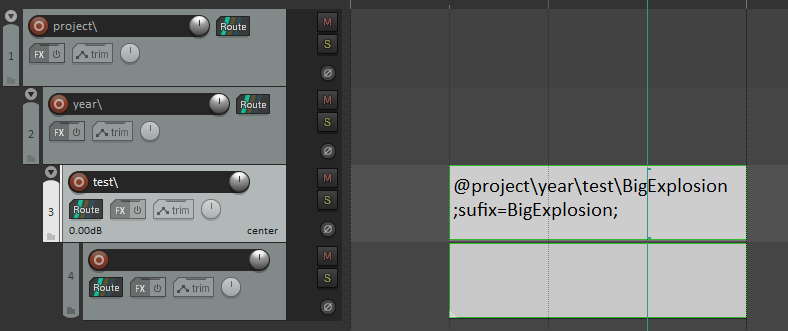
Folders will be created according to the defined path during the render process.