Region Creation
Region Creation
You can change some settings to create regions around render blocks when packing or naming them. There are two ways to do this.
Create regions without names
-
Go to Actions
-
Type ‘Render Blocks’
-
Edit one or both of these actions:
-
LKC - RenderBlocks - Pack or Unpack.lua
-
LKC - RenderBlocks - Pack clusters.lua

- Set create_regions value to 1

- Save the file
When you pack your blocks you will get empty regions like in the image below.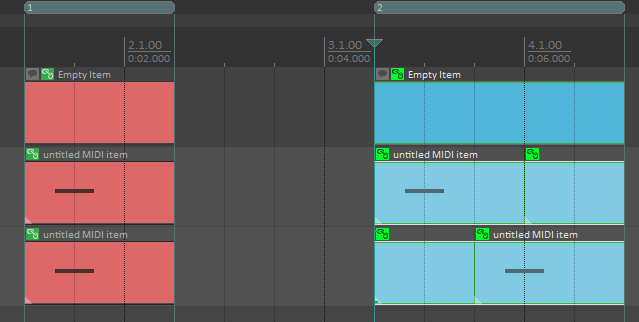
Create regions with names
This will create regions when you name your already existing blocks.
-
Go to Actions
-
Type ‘Render Blocks’
-
Edit action:
-
LKC - RenderBlocks - Enter name.lua
-
Set create_regions value to 1

- Save the file
When you name your blocks you will get regions with the same name as your blocks.

Do one of these options (without names/with names). If you enable both of them it will create a mess.
When repository is updated it will override your settings. You will have to do it again. This is experimental feature and will not be fully implemented for now.