Experimental
Zero Based Indexing

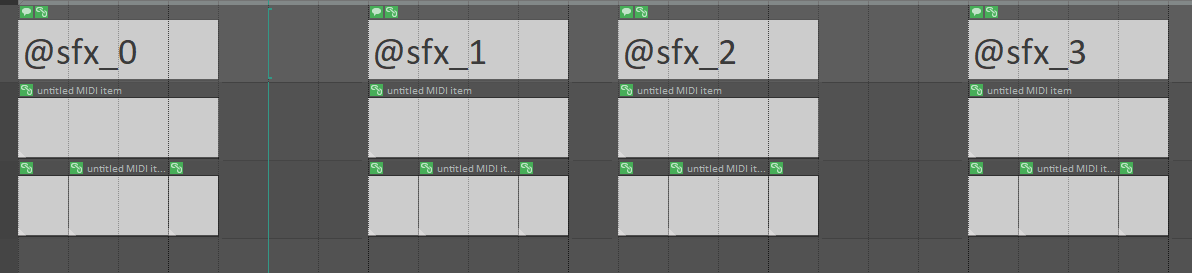
If you want to start indexing your blocks from zero, like in the image above, you can do it, but it’s currently not possible using GUI.
- Go to Options-> Show REAPER resource path in explorer/finder …
- Open reaper-extstate.ini (if it does not exist create it)
- Find [LKC_RENDERBLOCKS] section (if it does not exist create it)
- Change index_type value to 4 (if it does not exist create it)

- Save and close file
- Restart REAPER
- When you open the naming editor it should look like this:

- Don’t click radio buttons unless you want to change the indexing rule
After this you should be able to name blocks with zero-based index.
Indexing without zero prefix

If you want to start indexing your blocks from one, but without zero prefix, like in the image above, you can do it, but it’s currently not possible using GUI.
- Go to Options-> Show REAPER resource path in explorer/finder …
- Open reaper-extstate.ini (if it does not exist create it)
- Find [LKC_RENDERBLOCKS] section (if it does not exist create it)
- Change index_type value to 5 (if it does not exist create it)

- Save and close the file
- Restart REAPER
- When you open naming editor it should look like this:
- Don’t click radio buttons unless you want to change indexing rule
| NOTE: This will also affect autonaming indexing. |